
Superpowered PDFs? Adobe Unveils Acrobat Studio with Generative AI
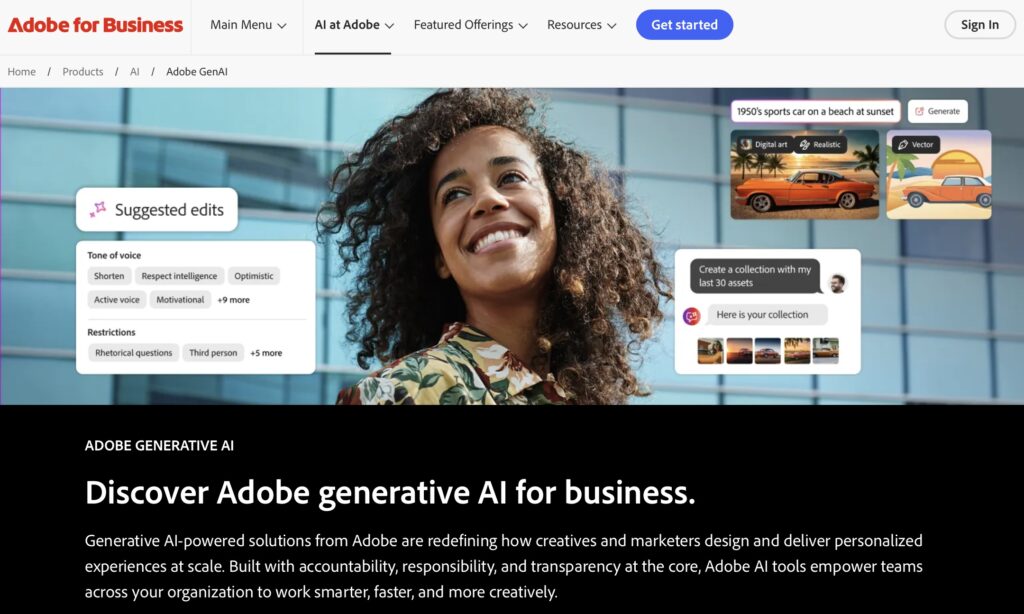
Acrobat Studio with Generative AI is Adobe’s latest move to turn static PDF documents into interactive, intelligent environments. It’s another step toward making AI a real tool for everyday repetitive tasks — and honestly? I love seeing how PDFs are evolving to match our daily needs so practically.
What Makes Acrobat Studio with Generative AI So Special?
Acrobat Studio with Generative AI introduces powerful new features: full integration with Acrobat Pro, Adobe Express, and smart hubs called PDF Spaces — which can transform up to 100 documents into interactive info centers via customizable AI assistants. It’s a real leap in how we use PDFs.
In practice, this means you can ask the system questions about various files, get answers with citations, organize ideas, and even create visual content — all in one place. The potential to make PDFs more useful is huge, especially for those who work with documents daily.
What Are “PDF Spaces”?
PDF Spaces are collaborative areas inside Acrobat Studio where you can upload up to 100 files — PDFs, Word docs, external links, and more — and interact with the content as a whole. Instead of browsing file by file, you talk to a smart hub that understands, summarizes, compares, and extracts insights, just like a highly trained productivity assistant.
You can ask things like: “What were the main results of the quarterly reports?” or “Are there inconsistencies between Contract X and Contract Y?”, and Acrobat Studio will respond accurately with references. This redefines how we handle large volumes of information.
Even better: by organizing your files thematically and feeding the space with recurring data, you’re essentially training AI with your own content. PDF Spaces work like mini personalized AIs for your projects, studies, or work area — directly within the platform, no need for extra apps or coding.
If you’ve read our article “How to Train ChatGPT with Your Own Data”, you’ll see the conceptual similarity. The difference here is that Adobe provides the structure — you just upload your files and start the conversation.
To me, this is one of the most exciting parts of Acrobat Studio with Generative AI: we can finally teach our AI based on our reality, with no code or API needed. It’s like creating your own productivity copilot using what you already have.
How AI Assistants Make This Experience Unique
Acrobat Studio with Generative AI offers specific AI assistant roles: the Analyst, who dives deep into content; the Instructor, who explains in an educational tone; and the Entertainer, who makes everything lighter. You can even create your own assistant with a personal style.
It’s honestly thrilling: being able to ask for clear explanations of legal terms or transform research into a visual summary with just a few clicks feels like sci-fi. This is why I believe AI is quickly becoming a necessity — not a luxury — in our routine.
How Can I Use These Assistants in Practice?
Just create a PDF Space, choose or customize your assistant (Analyst, Instructor, etc.), and start chatting with your files. Ask for summaries, ideas, comparisons, references… the system answers with accuracy and context.
Extra Features That Supercharge Acrobat Studio
Acrobat Studio with Generative AI also integrates Adobe Express Premium and Firefly. This means beyond analyzing documents, you can develop graphics, infographics, or social posts in the same space — a perfect combo of productivity and creativity.
This fusion of productivity (Acrobat), design (Express), and AI (assistants/prompts) is a major milestone. It’s as if PDFs come to life, delivering more than just content — they offer true understanding.
Acrobat Studio vs. Acrobat Pro or Standard
| Feature | Acrobat Pro/Standard | Acrobat Studio with AI |
|---|---|---|
| PDF Spaces | Not available | Interactive AI-powered spaces for multiple files |
| AI Assistants | Basic features (Summaries) | Customizable assistant profiles and interactions |
| Adobe Express/Firefly | Separate | Integrated within the platform |
Practical Applications for Everyday Work
Acrobat Studio with Generative AI is ideal for dynamic work like contract review, visual content creation, proposals, and collaborative editing. Everything stays within the platform, no app switching — which improves workflow and reduces cognitive stress.
I’m passionate about productivity and design — and this excites me. Having meeting analysis, visual insights, and document summaries in one space speeds up focus and output.
Future Trends and Adobe’s Vision
Acrobat Studio with Generative AI marks Adobe’s biggest leap in PDFs since their inception. The company sees it as a redefinition of what a PDF can be: not static, but a smart, collaborative, and visual hub — a major inflection point in digital productivity history.
It signals the end of apps without AI as part of the core. Today, AI doesn’t assist — it integrates, enhances, and eliminates time-wasting tasks. This is the future of software: intelligent by default.
Conclusion: Your Routine with AI Just Got an Upgrade
The launch of Acrobat Studio with Generative AI shows Adobe’s ability to keep pace with tech trends and remain a leader in document reinvention. Every PDF becomes a collaborative, creative space — not just text, but insight and automation.
👉 Want practical examples or free PDFs that teach you how to use AI? Subscribe to our TechInNess newsletter and receive exclusive content instantly!
Frequently Asked Questions
- What is Acrobat Studio with Generative AI? A platform that integrates PDF Spaces, AI assistants, and Adobe Express to turn documents into interactive hubs.
- How many files can I upload in a PDF Space? Up to 100 files at once, including PDFs, links, and other types.
- Who benefits from this? Professionals, students, and creators seeking more efficiency, clarity, and creativity.
- Is it paid? Yes — Acrobat Studio is available via subscription (e.g., Creative Cloud Pro or standalone).
- Can I create my own AI assistant? Yes — beyond the Analyst, Instructor, and Entertainer, you can customize your own style of assistant.



Your blog is a testament to your dedication to your craft. Your commitment to excellence is evident in every aspect of your writing. Thank you for being such a positive influence in the online community.
I am the one who appreciates your attention and for leaving a comment, I am very happy that you liked the content. Thank you